
Gaming PC in Dubai

Showing 18 of 136 products

Filters

Price Range
Graphics Card (GPU)
Processor (CPU)
Memory (RAM)
Storage (SSD/HDD)
Brand
Special Offers
Availability

Contact us

Our experts will help you choose the optimal pc configuration that meets your needs.

  • UAE +971 544551737
  • UAE +971 544551737
  • hello@gccgamingpc.com

Looking to buy the best gaming PC in Dubai, UAE? GCC Gaming PC delivers top-tier pre-built and custom desktop rigs engineered for ultra-smooth 4K gaming, streaming, and content creation. Pair high-performance NVIDIA GeForce RTX graphics with powerful Intel Core or AMD Ryzen processors, configurable DDR5 RAM, and ultra-fast NVMe SSD storage. Every build is benchmark-tested, backed by a local UAE warranty, and shipped with express delivery across Dubai and all emirates.

Showing 37–54 of 136 products

Pre-built gaming PCs showcase - Custom configured gaming computers

How to choose the right gaming PC

A good gaming PC fits the games you play, the screen you use, and the budget you have. Before choosing a build in Dubai or elsewhere in the UAE, compare the complete configuration—not just the graphics card or the price.

1. Start with your games and monitor

Choose your target resolution—1080p, 1440p, or 4K—and the refresh rate of your monitor. Competitive games at high frame rates can place different demands on a system than visually demanding single-player games. Check benchmarks for the games and settings you actually plan to use.
2. Balance the graphics card and processor

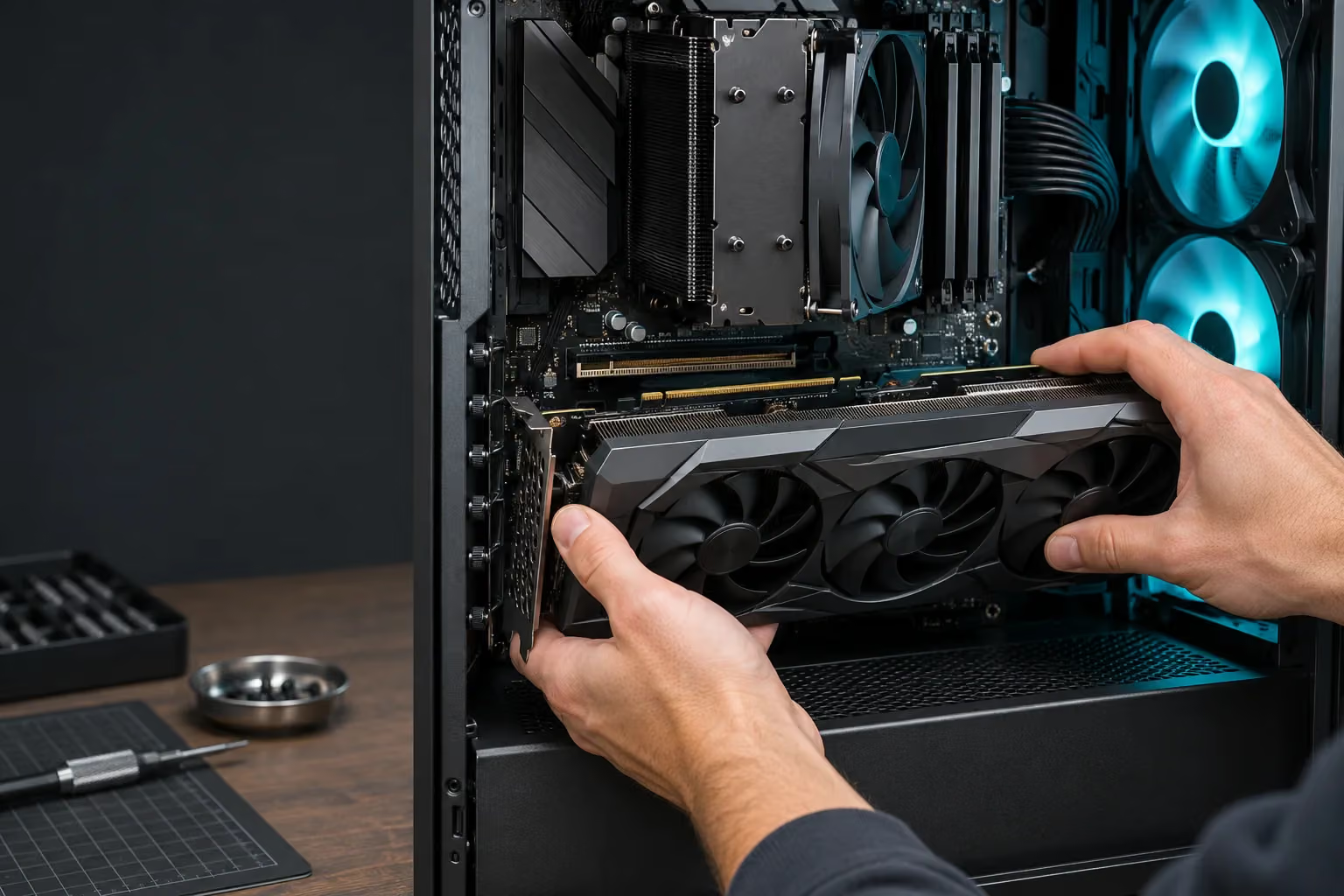
The GPU handles much of the graphics workload, especially at higher resolutions, while the CPU affects game simulation, frame delivery, and background tasks. Compare exact models and generations: an Intel Core i7 or AMD Ryzen 7 label alone does not tell you how a processor performs. Two PCs with the same GPU can deliver different results.

3. Allow room for memory and storage

16GB of RAM can suit many games, while 32GB offers more room for demanding titles, multitasking, and streaming. Check each game's recommended requirements. An SSD improves loading times and responsiveness; choose enough capacity for Windows, your applications, and a growing game library. DDR4 and DDR5 are not interchangeable.

4. Check cooling, airflow, and the power supply

Look for a case with unobstructed airflow and a cooler suited to the processor. Keep the PC in a ventilated indoor space and clean dust filters regularly, particularly in dusty environments. Power-supply quality, capacity, and GPU connectors matter as much as the advertised wattage. Liquid cooling is not automatically necessary for every gaming build.

5. Compare the whole setup within your budget

Allow for a monitor, keyboard, mouse, and any software you need unless they are explicitly included. Compare the motherboard, SSD, RAM configuration, power supply, cooling, and warranty terms alongside the CPU and GPU. A balanced build for your needs can be a better purchase than spending most of the budget on one component.

6. Think about future upgrades

Check spare memory and storage slots, the motherboard's CPU support, case clearance, and power-supply headroom. Pre-built and custom PCs can both offer upgrade options, but compatibility depends on the exact parts. Review the individual build specifications and confirm any missing details before ordering.

Gaming PC frequently asked questions

Practical answers to help you compare builds and know what to check before buying.

How much should I spend on a gaming PC in Dubai?

Start with your games, target resolution, and total setup budget. The right amount depends on the performance you need and whether you already own a monitor and peripherals. Compare current build prices and exact specifications rather than relying on a single price bracket or assuming the most expensive PC is the best fit.

Is 16GB of RAM enough, or should I choose 32GB?

16GB can be enough for many games, but newer demanding titles and running several applications together may benefit from 32GB. Check your games' recommended requirements and the motherboard's memory support. More RAM does not guarantee higher frame rates when memory capacity is not the limiting factor.

Should I choose a pre-built or a custom gaming PC?

A pre-built PC gives you a listed configuration to compare. A custom build lets you select parts around specific needs, such as quieter cooling, extra storage, or a particular case. Neither is automatically faster: performance depends on the final components, settings, and cooling.

Can I upgrade a pre-built gaming PC later?

Often yes, but it depends on the system. Check the motherboard socket and BIOS support for CPU upgrades, the memory type and free slots for RAM, and the power supply and case clearance for a new GPU. Confirm compatibility and any warranty implications before replacing components.

Are the listed FPS figures guaranteed for every game?

No. Frame rates vary with the game, resolution, graphics settings, drivers, and exact CPU, GPU, and memory configuration. Treat estimated FPS as guidance. For measured benchmarks, compare the tested configuration and settings, including whether upscaling or frame generation was enabled.

Does a gaming PC include a monitor, peripherals, and Windows?

Do not assume these are included. Check the individual product's package contents and operating-system details. A monitor, keyboard, mouse, Wi-Fi adapter, or Windows license may be a separate item unless the listing explicitly includes it.

What should I check about delivery and warranty in the UAE?

Confirm stock availability, the delivery estimate for your address, any delivery or assembly charges, and the warranty coverage for the specific build. Review the applicable return terms and ask how repairs or component replacements are handled. Contact the store before ordering if any detail is unclear.

Build your dream PC

Our seamless configurator guides you through creating a flawless custom PC anywhere in Dubai or across the UAE as you choose your compatible components, add peripherals, lighting, and software, and save your build to place your order.

Build your PC
Custom Gaming PC Builder | Build Your Dream Gaming Computer with High Performance Components